Welcome! Thank you for your interest in the TWS Long-term investing course
Please read all instructions carefully.
For Absolute Beginners:
If you’ve never opened a brokerage account, that’s your first step.
One brokerage I use (and recommend) for long-term investing is E*Trade. Some parts of my class walk through specific actions inside E*Trade’s interface, so it may be easier if you use this platform.
E*Trade links to bookmark before the class:
 Set price alerts: Manage Alerts
- Transfer money (from bank or between E*Trade accounts): Transfer Money
- Place a stock/ETF trade: Trading Center
- See open orders: View Orders
- View your portfolio: Portfolio
- Check gains and losses: Gains & Losses
 E*Trade Customer Service: 1-800-387-2331
If You Already Have a Brokerage Account
You’re welcome to use your existing brokerage instead. Here are my comments based on experience and feedback:
- Robinhood, E*Trade, Interactive Brokers, Fidelity, and Schwab all allow you to sell tax lots (an important strategy I teach).
- Robinhood: Not ideal. Users report issues selling same-day tax lots and occasional discrepancies requiring lengthy calls to customer service.
- Schwab: Some securities can’t be purchased online—you have to call in, which is inconvenient.
- E*Trade & Fidelity: Both solid choices, with minor pros and cons. I use both personally.
- Interactive Brokers: Best option if you’re outside the U.S., as it allows investing in both U.S. and international markets.
Next Steps After Preparation
- Access recordings – Recordings of the previous live session are shared via Google Drive. To gain access:
- Join this WhatsApp group: Click here. Note: This Whatsapp group is where you can have any doubts about the process addressed and get details for the next live class, which will happen Zoom
- Provide the email address you’ll use to access recordings.
- Watch the recording – A two-screen setup is recommended (watch on one screen, follow along on the other).
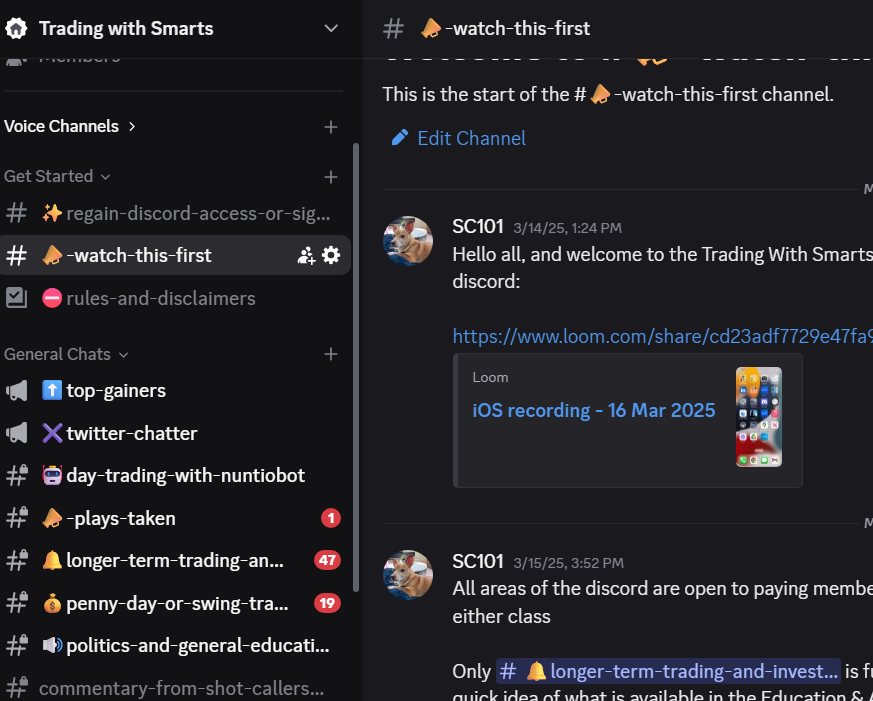
- Engage on the Trading with Smarts Discord – Watch this intro video to get familiar with the setup.
If You Don’t See the Discord After Signing Up
After signing up (for either class or the Discord directly), the TWS Discord server should appear in your app. If it doesn’t:
- Go to your Profile page and select Discord from the dropdown - connect your account from there.
- Ensure that the Discord account linked is the same one you’re logging into on the Discord app.