Welcome!
Thank you for your interest in the TWS Short-Term Trading course.
This class will teach you how to day trade and swing trade stocks/ETFs.
 Note: Options trading is not covered.
Please read the instructions below carefully.
Step 1: Get Set Up on a Brokerage
- U.S. traders: I recommend Webull.
- International traders: Interactive Brokers is a strong choice.
- Robinhood users: You may use it, but note a key limitation—pre-market opens at 8:00 AM EST on Robinhood, versus 4:00 AM CST on Webull.
Webull Setup
- Create an account – Use this referral link if you’d like to claim free shares.
- Download the Webull Desktop App.
- Fund your account (optional at this stage) and begin exploring the interface.
 Set up indicators:
Watch this setup video (best viewed on desktop).
 Practice:
Once indicators are in place, observe price action on high-volume tickers (e.g., NVDA, SPY). Try to correlate your observations with what’s explained in the video.
Next Steps After Preparation
- Access recordings – Recordings of the previous live session are shared via Google Drive. To gain access:
- Join this WhatsApp group: Click here. Note: This Whatsapp group is where you can have any doubts about the process addressed and get details for the next live class, which will happen on Zoom.
- Provide the email address you’ll use to access recordings.
- Watch the recording – A two-screen setup is recommended (watch on one screen, follow along on the other).
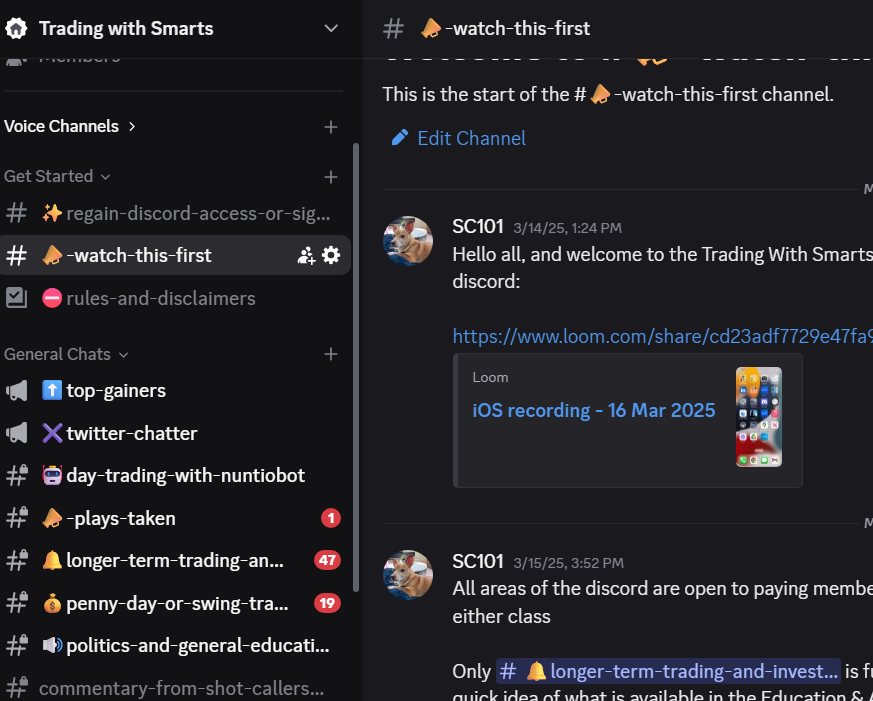
- Engage on the Trading with Smarts Discord – Watch this intro video to get familiar with the setup.
If You Don’t See the Discord After Signing Up
After signing up (for either class or the Discord directly), the TWS Discord server should appear in your app. If it doesn’t:
- Go to your Profile page and select Discord from the dropdown - connect your account from there.
- Ensure that the Discord account linked is the same one you’re logging into on the Discord app.